Ever wonder if you could try out trading ideas without risking your savings? With TradingView paper trading, you can give your strategy a test run using fake money (money that mimics real cash). Think of it as a dress rehearsal for real trades.
You can experiment with different order types and track each simulated move as if it were happening live. It feels almost like watching the crisp buzz of market data in real time, but without the worry of loss. I’ve felt that mix of excitement and relief knowing I can hone my skills in a safe space.
This practice setup helps you build smarter trading habits step by step. Every test trade offers insights that boost your confidence before you commit real money. Next time, when you’re ready to take on the real market, you’ll have a strategy that’s been tried and tested.
TradingView paper trading sparks learning while keeping your savings secure. Give it a try and see how your ideas perform in this risk-free environment.
What Is TradingView Paper Trading and How It Works
Imagine testing your trading ideas without risking any real money. TradingView paper trading is like a safe practice zone where you use simulated money that behaves just like the real thing. It lets you experience live trading without any financial risk, so you can build confidence before putting real cash on the line.
This tool supports different order types such as market, limit, stop, and stop-limit orders. Each one works exactly like in a live market, giving you a taste of real trading action. You can even set your own starting balance, which is handy if you have a specific amount in mind for future investments.
Every simulated trade is automatically recorded, making it easy to review your performance later. You can check your trade history to see what went well and what didn’t. Picture placing a limit order, watching it fill or waiting for the right moment, and then learning from that experience.
The built-in trading panel is designed to keep things running smoothly. It handles position sizing, tracks profit and loss, and even lets you edit orders in real time. Plus, you get full access to TradingView’s advanced charting tools, indicators, and drawing features. For example, drawing a trendline to mark support levels is a practical trick that really mirrors how you’d set up a live trade.
Tradingview paper trading sparks profitable practice

Log into TradingView, and right at the bottom of your screen you’ll find the trading panel. This panel acts like a practice arena where simulated trades mirror what happens in a real market (simulated: a test-run without actual money). Once you’re there, scan the broker list and click "Paper Trading" to connect your demo account in a snap.
Getting started is easy:
- Sign in to your TradingView account and open the trading panel.
- Scroll down to the broker list and click on "Paper Trading" to link your demo account.
- Set your virtual balance to the amount you want, say $10,000, to mirror realistic trading.
- Take a moment to explore the layout. You’ll see order entry fields, a quantity box for the number of shares (or units) to trade, and selectors for different order types.
- Start simulating trades by placing orders. Use a market order for quick action or a limit order if you prefer the system to execute your trade only when the price hits your target.
- Watch the real-time execution feedback. This immediate response gives you a true taste of live trading and helps build your confidence with every order.
Take a few minutes to explore each option on the trading panel. Try adjusting the quantity and switch between market, limit, and stop orders to see how each change affects your simulated position, bringing you closer to the real market experience.
Navigating the Trading Panel and Order Types in TradingView Paper Trading
TradingView paper trading gives you a safe space to test out your trading ideas. It mimics a real market so you can see how your strategies perform while getting live updates from execution logs and fill notifications.
In the trading panel, you’ll find order types that work just like in real trading. A market order executes right away at the best price, kind of like snapping up a deal in a flash sale. A limit order only goes through at your exact price or better, so you can control your entry point. A stop order turns into a market order when your chosen price is hit, acting as an automatic safety switch. And a stop-limit order marries the stop trigger with a price limit for even more precision.
To get started with paper trading on TradingView, follow these simple steps:
- Open the TradingView trading panel.
- Click on the paper trading feature.
- Select the order type you want to try.
- Enter your trade details.
- Check the execution logs and fill updates for live feedback.
Tip: Start by clicking the paper trading icon and watch as the execution log comes to life in real time.
Leveraging Advanced Charting Tools in TradingView Paper Trading

TradingView paper trading lets you use cool charting tools to try out trades without any risk. You get more than 100 built-in helpers like Moving Averages, RSI, MACD, and Bollinger Bands to see how markets behave. It’s like practicing in a mini version of a real market. For more on these tools, check out this resource on technical analysis of financial markets.
Using drawing tools while you simulate trades is a practical way to mark key spots for buying or selling. Imagine drawing a simple trendline and instantly spotting a resistance point, just like you would in a live market. It’s a neat method to see support and resistance levels in action while you test different strategies.
You can even add your own custom indicators and strategies with Pine Script (a simple coding tool for custom trading scripts). This lets you tweak the charts to fit your own trading style perfectly. And because the data flows in real time, your charts stay up-to-date just like they would in the actual market.
In short, TradingView paper trading offers a pro-grade way to learn and test your trading moves safely. It blends accuracy with hands-on practice, making it easier to get ready for real trading.
Best Practices and Common Pitfalls in TradingView Paper Trading
Paper trading works best when you act like real trading. Use lot sizes and leverage that feel just like a live account. This helps your practice feel like the real market. It’s wise to trade during actual market hours when prices move and orders come in fast.
- Use lot sizes and leverage that feel real.
- Avoid refilling your virtual balance too often.
- Place simulated orders during real market hours.
- Don’t overtrade or rush into decisions.
If you keep resetting your account, you lose track of how well you’re really doing. Set your balance one time and stick with it so you can see your progress clearly. Treat each session like it matters, you’re training to build habits that work when real money is on the line.
Remember, this simulation isn’t just for fun. It’s your practice ground to learn strategies, check your results, and get better at making decisions. Trading when emotions run high can mess things up, so keep cool and focus on steady, smart trades. Stick to these tips to build real discipline and get ready for the live trading world.
Transitioning from Paper Trading to Live Trading on TradingView
When you switch from demo trading to live trading, it's more than just using real money. In demo mode, every trade is like a practice run. But with live trading, you're putting your actual funds on the line, and that can feel a lot different. You might find yourself hesitating or even second-guessing a move that worked perfectly on paper trading.
Begin your live trading journey with smaller position sizes. If you're used to risking a certain amount when you're just testing things out, try reducing that risk until you feel comfortable. Think of it like trying out new shoes on an empty track before stepping into a busy race.
Stick with the strategy you practiced during your demo sessions. Keeping your plan consistent helps you stay disciplined, even if real money stirs up some nerves. Use your demo trading results to set smart, realistic risk limits. Start with just a small slice of your actual portfolio, then gradually increase as you build confidence.
- Start small to manage those real-life trading jitters.
- Stick to the same strategy you practiced.
- Let your demo trading results guide your risk limits and portfolio setup.
Following these steps makes switching to live trading a steady, confident process that builds on your practice success.
Mobile App Overview for TradingView Paper Trading on the Go
Download TradingView's mobile app on your iPhone or Android, then log in with your usual details. Once you're in, you'll spot the paper trading feature right in the chart’s trade panel dropdown. This means you can easily switch to demo mode no matter where you are.
The app is designed for touchscreens, so placing a market order feels smooth and natural. Just tap to choose your order type, adjust the amount, and complete your trade with a few quick taps.
- Sign in with your login details.
- Tap the trade panel dropdown to find the paper trading option.
- Enjoy simple, intuitive controls that let you trade on the move.
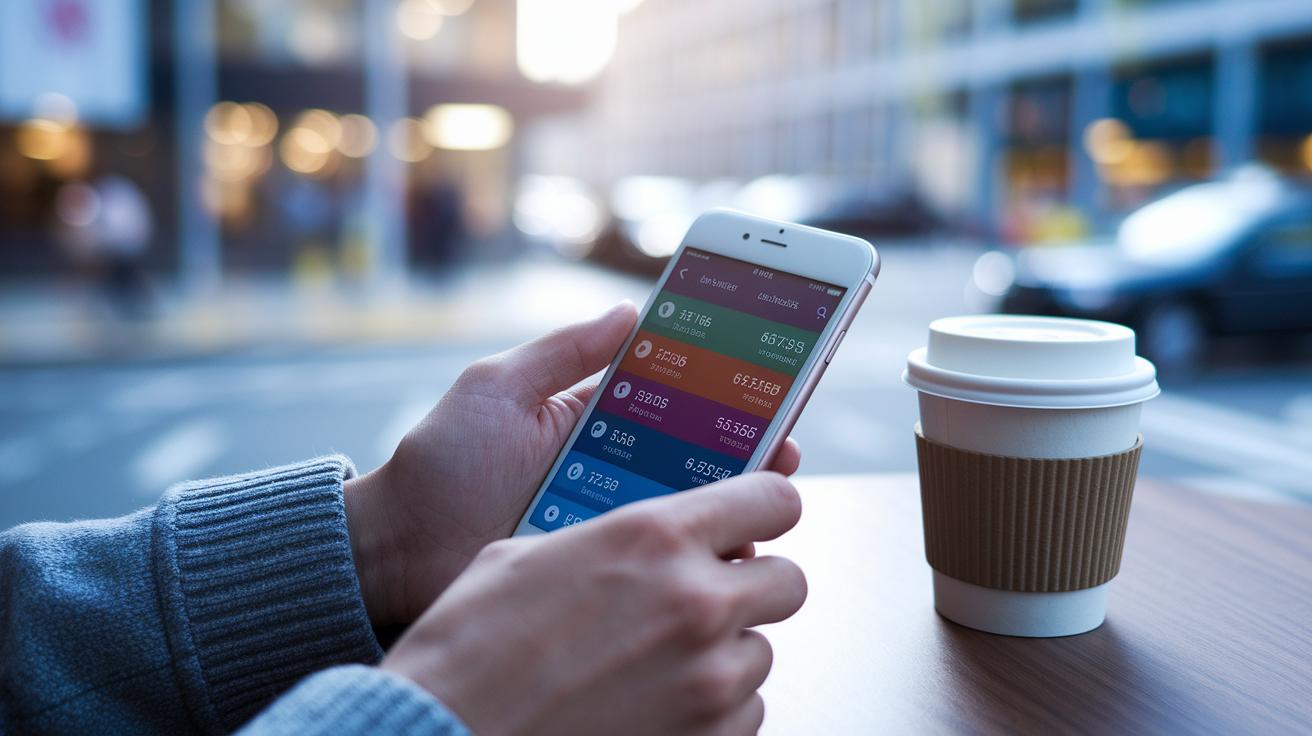
Real-time tracking is built right in. On the portfolio tab, you can see your profit and loss (PnL) and account balance, which lets you stay on top of your simulated trading performance. Imagine checking your trades during a coffee break and instantly seeing how the market is moving.
This mobile setup gives you a safe and handy way to practice trading anytime, anywhere, with no need for a desktop setup.
Customizing Your TradingView Paper Trading Experience
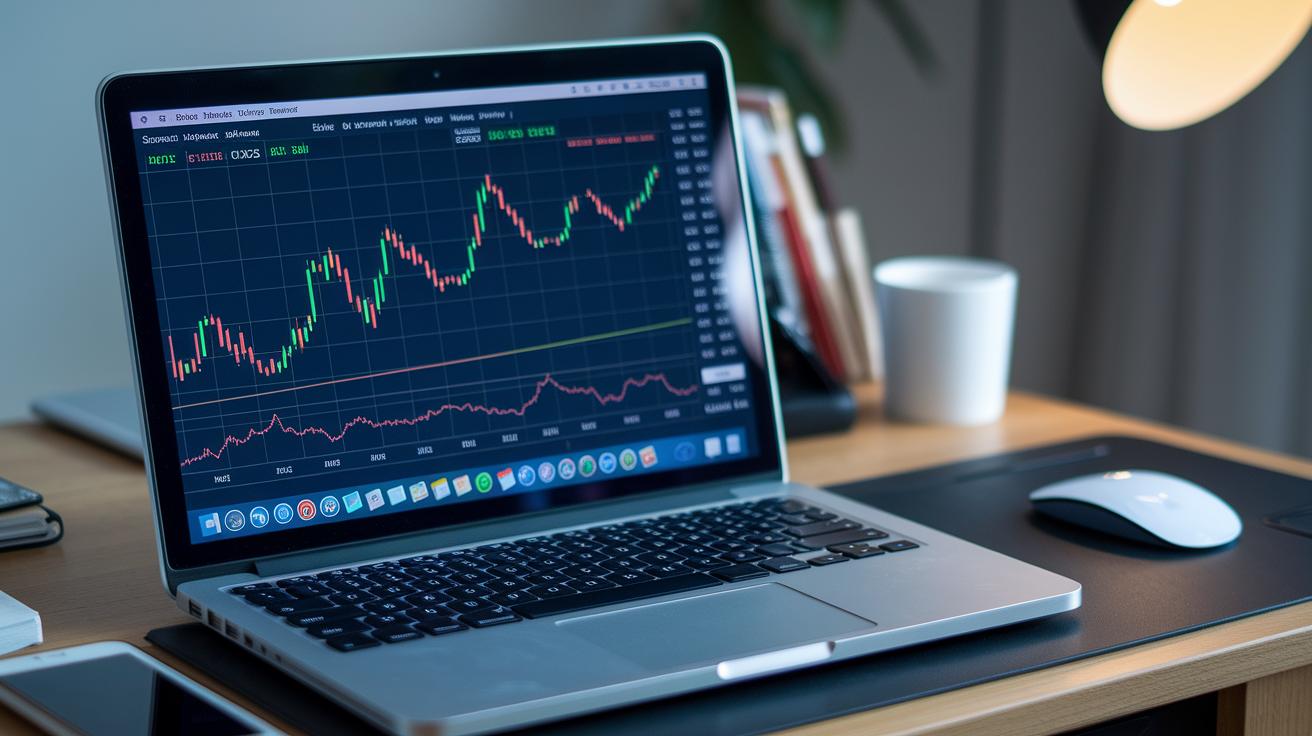
Want to make your trading simulator feel more like the real deal? Start by picking an opening balance and a currency that match your trading game plan. For example, if you plan to invest around $5,000, set that as your balance in USD.
Next, set up your default order sizes along with stop-loss and take-profit rules. Imagine having a preset stop-loss that kicks in as soon as the price dips a little, it keeps your risk low and frees you up to watch the market without constant worry.
You can even load custom Pine Script indicators (user-created scripts to test your ideas) to try out new strategies. It’s a bit like tweaking a recipe; every small change helps you get closer to that perfect mix.
And don’t forget to set alerts for key price levels so you’re always in the loop when the market moves. For instance, create an alert for when a stock hits a major resistance point.
- Customize your balance and currency settings
- Set default order sizes and risk controls
- Test your own Pine Script setups
- Create alerts for crucial price moves
These simple tweaks make your demo environment closely match how you’ll trade live, giving you a smoother, more realistic experience.
Final Words
In the action, this article explored how TradingView paper trading (using virtual funds to mimic real trades) gives a hands-on way to test trading strategies without risk. We covered setting up your demo account, testing various order types, using advanced charts, and following best practices to avoid common missteps. The guide also showed how to transition from simulation to live markets. Embrace these insights, refine your skills, and feel confident as you take on dynamic market trends with tradingview paper trading. Enjoy the process and keep learning!
FAQ
Can you do paper trading on TradingView?
TradingView offers paper trading by letting you practice with virtual funds that mimic live market conditions. It’s a free way to test strategies without risking real money.
How do I activate paper trading on TradingView?
Activating paper trading requires you to open the trading panel at the bottom of the chart, select “Paper Trading” from the broker list, and set your virtual balance to start practicing.
How do I access TradingView paper trading on mobile or via download?
You can use paper trading on the mobile app by downloading TradingView for iOS or Android, logging in with your credentials, and selecting paper trading from the trade panel for on-the-go practice.
Why isn’t my paper trading working on TradingView?
If paper trading isn’t working, ensure you’re properly logged in and have selected the paper trading option. Restart the app or check your internet connection before reaching out to support if issues persist.
Which is the best platform for paper trading?
TradingView provides a robust simulated trading experience with advanced charts, while platforms like Webull, Binance, Coinbase, and Thinkorswim also offer demo modes. Choose one that best fits your trading style and needs.
Is TradingView paper trading free?
TradingView paper trading is free, allowing you to practice your strategies using demo funds without financial risk.
What about paper trading competitions on TradingView?
Although TradingView itself doesn’t host official paper trading competitions, many users share their experiences and challenges on forums like Reddit. This can foster a fun, competitive environment among traders.