Ever thought about trying fake money to boost your trading skills? With Interactive Brokers paper trading, you can experiment with market moves without risking a dime. It’s like taking your favorite car out for a test drive before you hit the highway. You get to work with real-time market data (live figures that update as trades happen) in a practice setting that feels real. In this post, we chat about why a little practice can go a long way in this friendly, virtual trading world.
Getting Started with Interactive Brokers Paper Trading
Imagine trying out real market moves without spending a dime. Paper trading lets you do just that, it's like a free practice session before you dive into real trading. Getting started with Interactive Brokers paper trading is pretty simple.
First, sign up for your virtual IBKR account. The setup won't take long, usually under 24 hours, and you'll get an email to let you know your account is ready. That email confirms your new paper trading account is up and running in a simulated setting that mirrors live market data. Want more details on paper trading? Check out what it is here: https://ontheblockchains.com?p=1071.
Then, log in using either the Trader Workstation (TWS) or the IBKR app. Once you're in, look for the head and shoulders icon. Click it, go to Settings, then Account Configuration, and select your Paper Trading Account. These steps are easy to follow, so you can quickly start trying out different trading strategies.
You can experiment with stocks, options, futures, and forex, all in a simulated market with up-to-date data. Although some parts of the client portal are limited, this focus on paper trading helps you fine-tune your strategies without the worry of real money at risk.
Take a moment to explore the platform and check out your simulated trades in the Portfolio section. With free practice access and helpful tutorials for setting everything up, even beginners can build trading confidence while getting familiar with IBKR’s powerful features.
Exploring the Interactive Brokers Paper Trading Interface
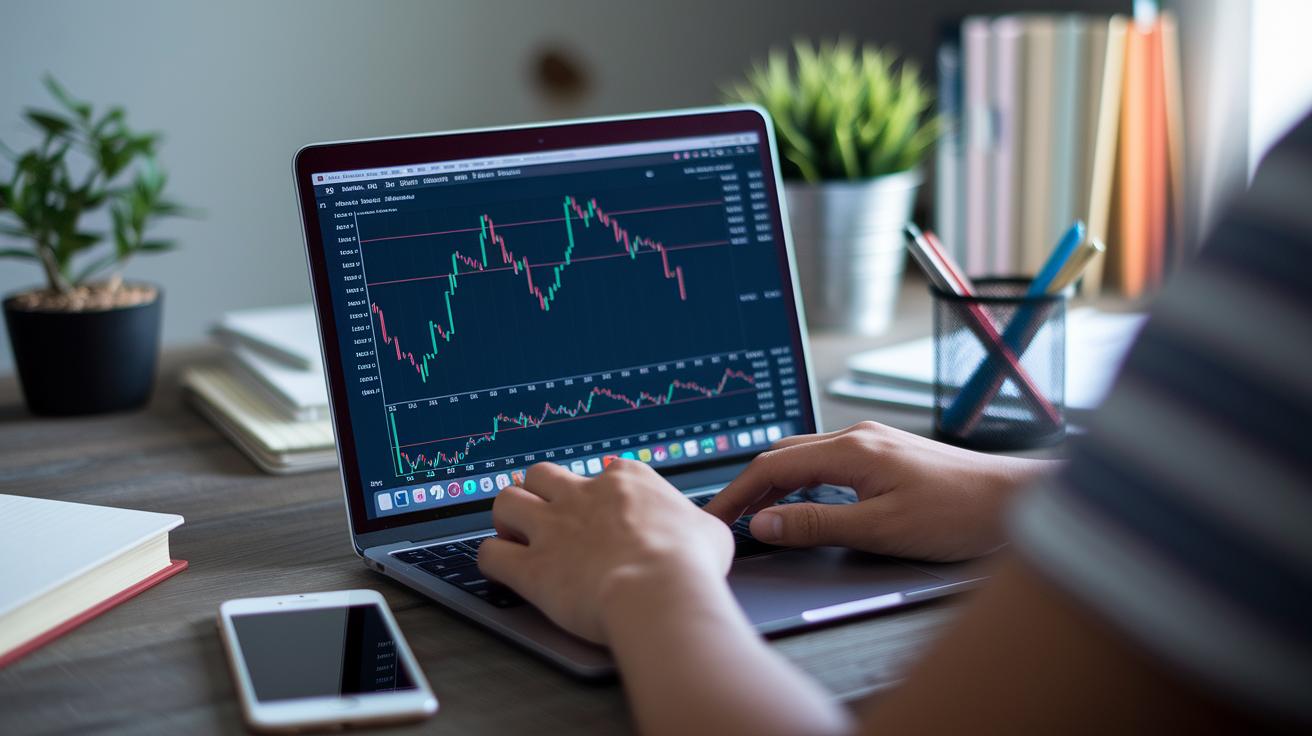
IBKR paper trading gives you a virtual trading experience that actually feels real. Whether you use the Trader Workstation or the IBKR mobile app, you'll find a clean, easy-to-use layout that mirrors live trading. You log in and immediately see the same tools and charts you’d expect when handling real money, it's like dipping your toes into the real market without any risk.
The Portfolio section is where you can really track your practice trades. It shows your profit and loss, your current positions, and even past trade data so you can test out your strategies. Plus, you get access to advanced order types like bracket orders, conditional orders, and OCO orders (one cancels the other), just like in a live trading environment.
- Easy access via Trader Workstation or IBKR mobile app
- Portfolio section to watch your simulated performance
- Advanced trading options that mimic live orders
- Supports stocks, options, futures, and forex with real-time data
For extra help, video tutorials walk you through every step, from entering orders to navigating your dashboard. The first time you see your simulated portfolio update in real-time, it feels a bit like watching a live sports game, each move is exciting and a great learning moment.
Key Features of Interactive Brokers Paper Trading
Interactive Brokers Paper Trading gives you a safe space to practice trading without risking real money. This simulation isn’t just about live data – it offers special tools that help you truly understand market trends.
- Historical data emulation: Use old market information to test your strategies. Think of it like replaying past events to see how trends developed.
- Interactive visual guides: Clear, step-by-step visuals show you how to place orders and read charts. It’s like having a buddy walk you through each step.
- Advanced order customization: Try different order types like bracket, conditional, one-cancels-other (OCO), and one-triggers-other (OTO) orders. Imagine setting up your trades like a chess player planning several moves ahead.
- Refined portfolio analytics: Watch your simulated trades with detailed insights that go beyond just profit and loss. Picture it like reviewing a flight’s key details after a smooth landing.
- Real-time market simulation: Experience market action as if you were trading live, but without the risk of losing money. It’s the steady beat of market activity that you can feel.
- Risk-free exposure to multiple assets: Practice trading stocks, options, futures, and forex on one platform. Think of it as sampling different trading flavors with zero risk.
These features work together to give you a deeper, more controlled trading experience. They let you expand your strategies and learn in a hands-on way.
Comparing Interactive Brokers Paper Trading with Other Simulators
Interactive Brokers paper trading truly stands out because it lets you experiment with a wide variety of asset classes. While many simulators only let you practice with stocks and ETFs, IBKR gives you the chance to work with options, futures, and forex. This means you can try out strategies in an environment that feels a lot like live trading, as reviews from June 24, 2025 have pointed out. Even though Thinkorswim (reviewed on January 10, 2025) offers solid order tools, IBKR goes one step further with advanced options like bracket, conditional, one-cancels-other, and one-triggers-other orders.
Another clear benefit is its data quality. With real-time data that mimics actual market conditions, you get a genuine trading experience without risking real money. TradingView is well-known for its charting and analysis tools and its paper trading feature, as seen in reviews from November 27, 2024, but it often falls short when it comes to full market access. The IBKR simulator not only covers more markets but also combines detailed features with an easy-to-navigate user interface. This mix of broad asset coverage, smart order functionalities, and spot-on data simulation puts IBKR ahead of many other demo trading environments.
Interactive Brokers Paper Trading: Simple Practice Wins
Paper trading with Interactive Brokers helps you get a feel for the market without any real risk. To make the most of your practice, dive into the IBKR Campus tutorials and visual walkthroughs that explain every tool step by step.
Sometimes you may run into login hiccups or have limited access to the portal. A little troubleshooting can go a long way.
When problems stick around, resetting your paper trading account can fix things. Just head over to Settings, then Account Configuration, and select your Paper Trading Account to reset it. This quick tweak often clears up glitches so you can keep trying out new exchanges and margin scenarios with virtual funds.
- Check out IBKR Campus materials for simple, step-by-step guidance.
- Reset your account via Settings > Account Configuration when needed.
- Watch the login process closely and note any errors.
- Explore different market feeds to see how the system behaves.
- Reach out to email or technical support if the problems continue.
Keep experimenting with various order types and asset classes. Sometimes, even a small system setback can teach you something new about the platform. With a bit of patience and a few simple fixes, you'll boost both your confidence and your skills in paper trading.
Final Words
In the action of setting up a live simulation, this guide walked you through creating an account and exploring the platform’s key panels. You learned how to register, get notified, and configure settings while checking out various asset classes like stocks and options. The post compared different simulators, outlined unique features, and offered practical tips for troubleshooting. With a clear path to mastering interactive brokers paper trading, your confidence in risk-free strategies grows every day. Enjoy the experience, and keep pushing your trading skills forward.
FAQ
How do I access paper trading on Interactive Brokers?
The interactive brokers paper trading login answer is that you log into your IBKR account via Trader Workstation or the mobile app, then switch to paper trading mode in the account settings. New sign-ups complete within 24 hours.
Is Interactive Brokers paper trading free?
The interactive brokers paper trading free answer is that the demo environment comes at no cost, letting users practice trading with live market data in a risk-free setup.
What should I do if Interactive Brokers paper trading isn’t working?
The interactive brokers paper trading not working answer is that you should check your login details and account configuration, then contact technical support if issues persist.
What trading options and API features does IBKR paper trading offer?
The interactive brokers paper trading options and API answer is that the platform supports trading stocks, options, futures, and forex using advanced order types and provides an API for automated trading experiments.
What features does the IBKR paper trading app provide?
The interactive brokers paper trading app answer is that the mobile interface mirrors the desktop platform, offering live market data, order entry, and portfolio tracking for simulated trading across various asset classes.
Where can I find community discussions about IBKR paper trading?
The interactive brokers paper trading reddit answer is that many traders share tips and experiences on Reddit, offering insights and troubleshooting ideas from fellow simulation users.
What is the 25k rule for Interactive Brokers?
The interactive brokers 25k rule answer is that it refers to a minimum account balance requirement for pattern day trading, ensuring traders meet regulatory thresholds in the United States.
How does IBKR paper trading compare with platforms like Thinkorswim, Webull, TradeStation, eToro, and NinjaTrader?
The interactive brokers paper trading comparison answer is that IBKR offers a robust, multi-asset simulation with advanced order types and real-time data, while each competing platform brings its own unique features to the table.